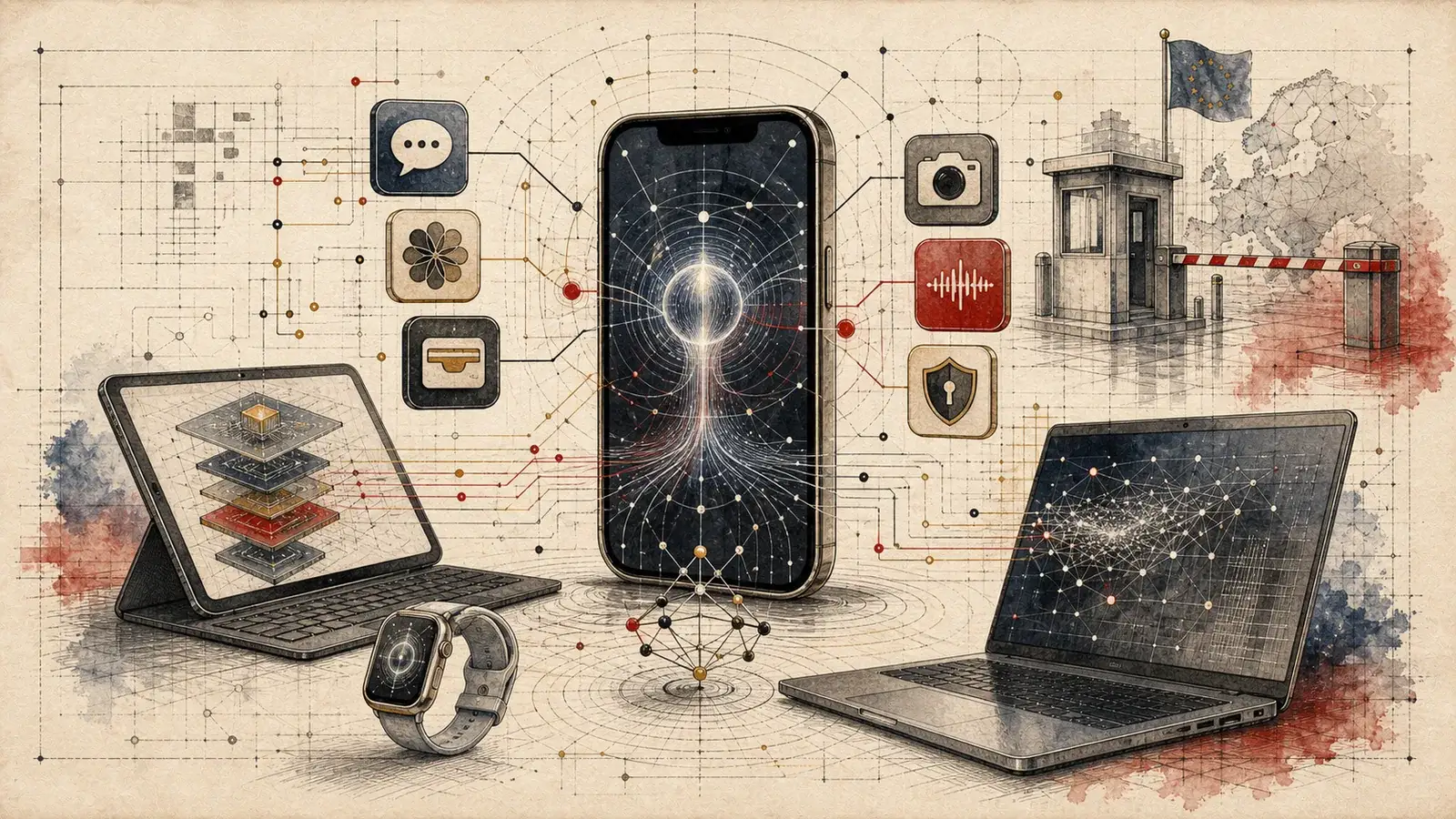
TL;DR: iOS 27 is not just Apple's annual iPhone update, it is the company's first credible attempt to turn Siri into a system agent: personal context, onscreen awareness, web answers, app actions, a dedicated Siri app, Camera mode, and Private Cloud Compute around the edges.[1][2] The release also gives Apple a repair narrative: apps launch up to 30 percent faster, new photos load up to 70 percent faster, AirDrop transfers are up to 80 percent faster, and iPad external drive workflows can be up to 5x faster.[1][4] The uncomfortable truth is that the headline AI layer is still gated by hardware, language, region, and regulation.
Apple unveiled iOS 27 at WWDC26 with the kind of keynote phrasing the company uses when it wants a reset without admitting defeat. Siri AI is the center of the story. Apple says the assistant can use personal context, understand what is on screen, answer from the web, and take action across apps.[1][2] That is the correct product direction, and it is also an admission that the old Siri category is dead.
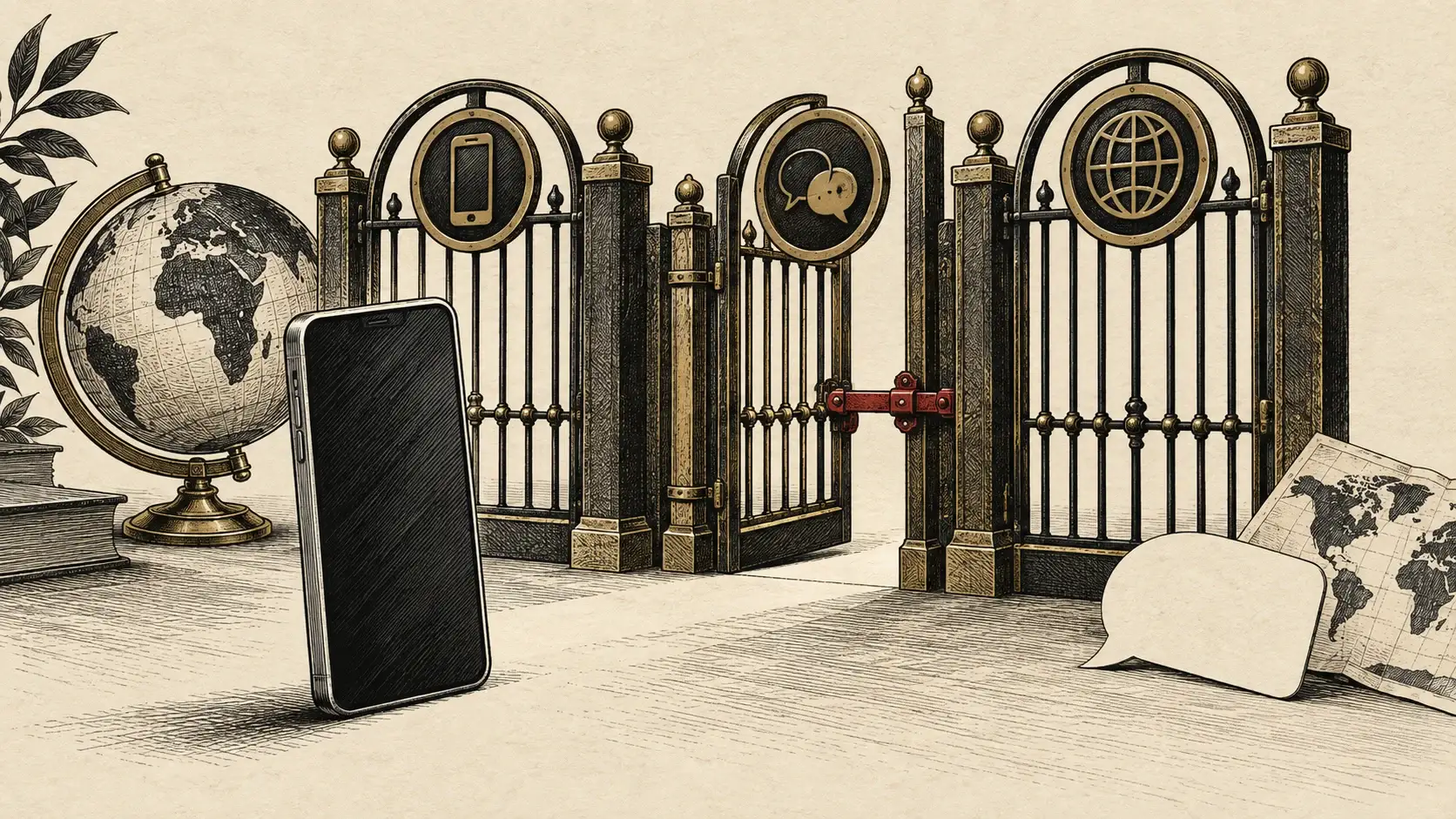
The conventional read is that Apple finally caught up to chatbots. That is too generous and too small. The real story isn't a chatbot inside the iPhone. It is Apple trying to define who gets to be the trusted agent with access to messages, mail, photos, notes, calendars, wallet, camera, and app controls. That is a platform question disguised as a feature update.
Why This Matters Now
The AI race has moved from answer quality to control surfaces. Whoever owns the assistant that can read context, understand the screen, call app actions, and preserve user trust owns the next operating system layer. iOS 27 is Apple's attempt to make that layer native before Google, OpenAI, Anthropic, Meta, or a regulated third-party assistant becomes the default behavior users expect.
iOS 27 by the Numbers
Apple is pairing a high-stakes Siri rewrite with performance metrics aimed at making the update feel useful even on older iPhones.
Apple says iPhone and iPad apps launch up to 30 percent faster in prerelease iOS 27 and iPadOS 27 testing.
New photos load up to 70 percent faster after capture in Apple's 50,000-asset Photos library test.
Apple tested multi-photo AirDrop transfers totaling 30MB and claims transfers are up to 80 percent faster.
Browsing and copying files between iPad and external drives can be up to 5x faster in iPadOS 27.
The new Apple Intelligence features require iPhone 16 models or later, plus iPhone 15 Pro and iPhone 15 Pro Max.
Siri AI is in developer testing now and is scheduled as a user beta later in 2026 for supported devices set to English.
The Real Story: Siri Is Becoming A System Agent
Let's be clear: a better Siri voice is not the point. A dedicated Siri app is not the point. The point is agency. Apple is trying to move Siri from command parser to system actor.
The new Siri AI can answer questions based on what is on a user's screen, search across personal messages, emails, photos, and notes, and use broad world knowledge for fresh web-backed answers.[1][4] Apple also says Siri can take actions in apps like Messages, Music, Reminders, Calendar, Mail, Photos, and more.[4] This is the assistant Apple should have built years ago. The question is whether Apple can ship it reliably across the messy surface area of iPhone usage.
Here's the genius: Apple is not trying to win by making Siri the most entertaining chatbot. It is trying to win by making Siri the only assistant with default access to the private context that actually matters. A model that knows a flight confirmation code, the friend in a Messages thread, the image on screen, the calendar conflict, the local app state, and the user's payment rails is more valuable than a model with a clever answer but no execution path.
That is why Siri mode in Camera matters. On paper it sounds like visual search. In practice it moves the assistant into the viewfinder, where the phone becomes a sensor for real-world intent. Apple says users can tap the shutter so Siri sees what they see, then ask for information or trigger actions like splitting a bill through Apple Cash or getting nutrition details from food.[2][6]
Apple's AI advantage is not model charisma. It is privileged context, default placement, and the ability to make intelligence look like operating system behavior.
What is often overlooked is that this turns Siri into a security product. Once an assistant can read, summarize, edit, search, and act, the platform has to define what the agent can touch, what it can infer, what it can remember, and when the user remains in control. That is not a feature list. That is an operating system contract.
The Architecture: Private Cloud Compute Meets App Toolbox
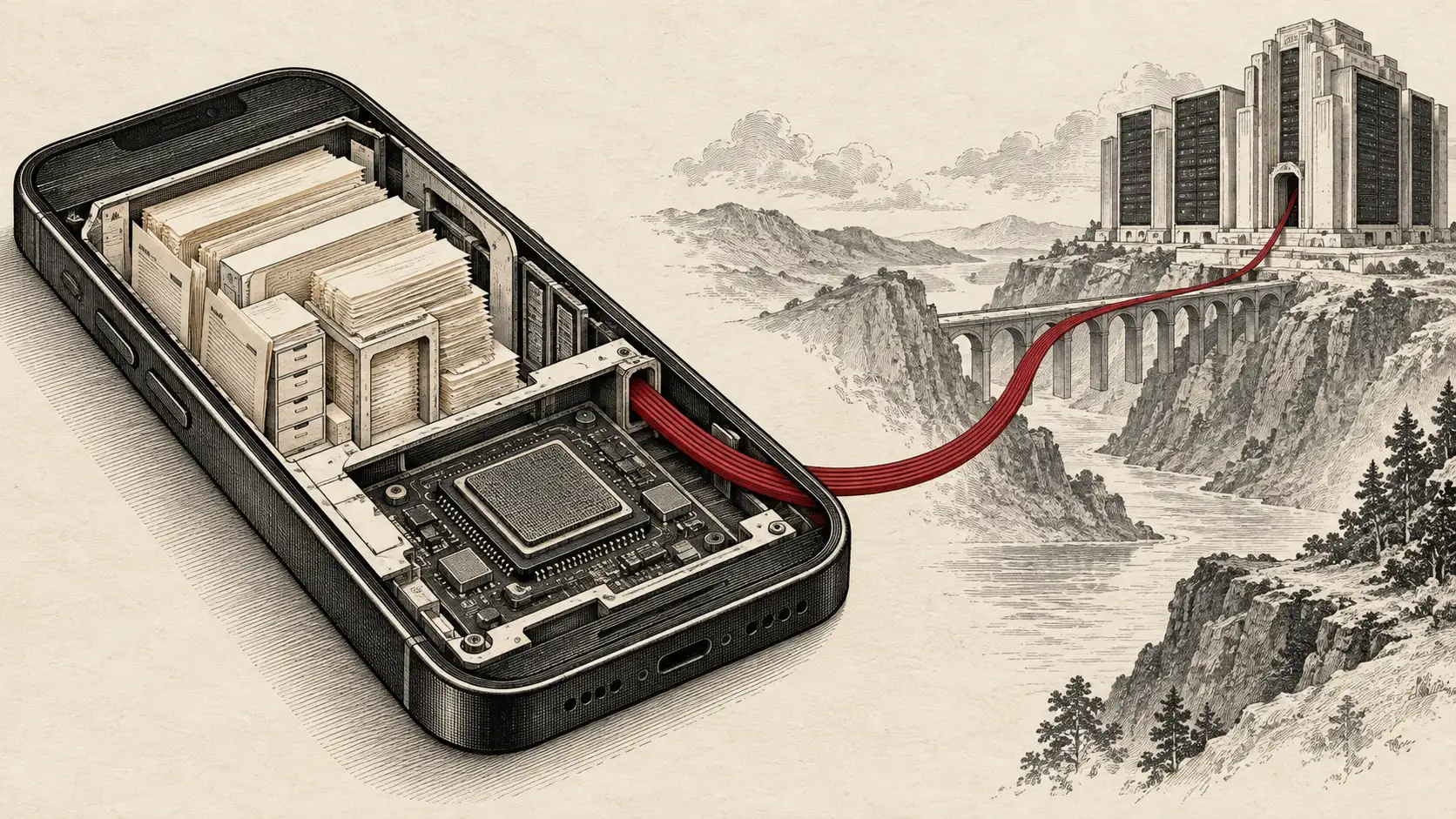
Apple says Siri AI uses next-generation Foundation Models running on device and through Private Cloud Compute, with an orchestrator that works with Spotlight index data and an on-device App Toolbox.[2] Strip away the branding and the architecture is straightforward: local context retrieval, model routing, app action planning, and privacy-preserving cloud escalation when needed.
That architecture is exactly where Apple wants the argument to happen. The company is telling users that the assistant can become more powerful without turning the iPhone into a data exhaust pipe. It is telling regulators that the assistant layer is safety-critical. It is telling developers that app actions, Shortcuts, and system integration are the rails for AI distribution.
The Siri AI Control Stack
The iOS 27 assistant story is best understood as layers of context, orchestration, execution, and policy rather than a single model upgrade.
Context
Siri reads device and app state through Apple-controlled surfaces.
Onscreen awareness
The assistant can answer questions about what the user is viewing.
Personal context
Siri can search messages, emails, photos, notes, and other private user context.
Challenges:
- +Permission clarity
- +Sensitive data boundaries
- +User trust
Orchestration
Apple routes requests through models, local indexes, app capabilities, and cloud fallback.
Foundation Models
Apple frames Siri AI around on-device models and Private Cloud Compute.
App Toolbox
App actions and system capabilities become the assistant's execution surface.
Challenges:
- +Latency
- +Tool reliability
- +App coverage
Execution
Siri becomes useful when answers turn into completed tasks.
Cross-app actions
Siri can help edit messages, create reminders, send email, resume media, and update calendars.
Camera mode
Visual Intelligence brings real-world objects and receipts into the assistant loop.
Challenges:
- +Agent mistakes
- +Undo flows
- +Abuse prevention
The uncomfortable truth is that this approach makes Apple slower than the web-native AI labs, but potentially harder to displace if it works. ChatGPT, Claude, Gemini, and Perplexity can move quickly because they own a smaller permission surface. Apple has to ship into the most personal computer most users own. That constraint looks like weakness in a demo cycle. It can become strength if Apple makes the assistant boringly reliable.
The Product Layer: AI Moves Into Boring Apps
The most important iOS 27 features are not the flashiest ones. They are the ones that make AI show up inside the apps people already open without thinking.
Messages and Mail get contextual suggestions. Smart Reply can match a user's writing style, punctuation, and tone. Call Context can surface a confirmation code or reservation number while calling a business. Calendar can add or modify events from natural language. Shortcuts gets "Describe a Shortcut," which lets users describe automation in plain language and then edit it by describing changes.[3][4]
That sounds incremental until you ask where AI adoption actually happens. It does not happen because users decide to visit a chatbot every day. It happens when the phone suggests the right action inside a thread, extracts the right code during a call, fixes the right password, groups the right tabs, or turns a messy shortcut into a working automation.
Where Apple Intelligence Lands In iOS 27
The release spreads intelligence across familiar surfaces instead of forcing every task into a standalone chat app.
Siri AI
Conversational assistant with personal context, onscreen awareness, world knowledge, app actions, and a dedicated history app.
Camera and Visual Intelligence
Siri mode in Camera brings visual search and real-world actions like bill splitting into the viewfinder.
Photos and Image Playground
Spatial Reframing, improved Clean Up, Extend, photorealistic Image Playground output, and description-based image edits.
Messages, Mail, and Phone
Contextual suggestions, personal-style replies, and Call Context for confirmation codes and reservations.
Safari and Passwords
Safari can organize tabs and monitor pages for changes, while Passwords can help fix weak or compromised passwords.
Shortcuts and Calendar
Natural-language automation and event creation make Apple Intelligence a productivity primitive.
Photos is the obvious consumer demo. Apple says iOS 27 brings Spatial Reframing, upgraded Clean Up, Extend, and Image Playground with photorealistic generation through Private Cloud Compute, including SynthID watermarking for generated images.[3][4] This is Apple closing gaps with Google Photos and generative image apps, but its strategic value is distribution. The model is inside the default photo library.
Wallet is the same story with money. Splitting a bill is not a frontier AI task. It is a daily user task. Apple says iOS 27 can scan a receipt, identify items, calculate tax and tip shares, and settle through Apple Cash. It can also create Wallet passes from physical cards with barcodes or screenshots.[6] That is what useful agents look like: small, transactional, embedded, and hard to replace once habit forms.
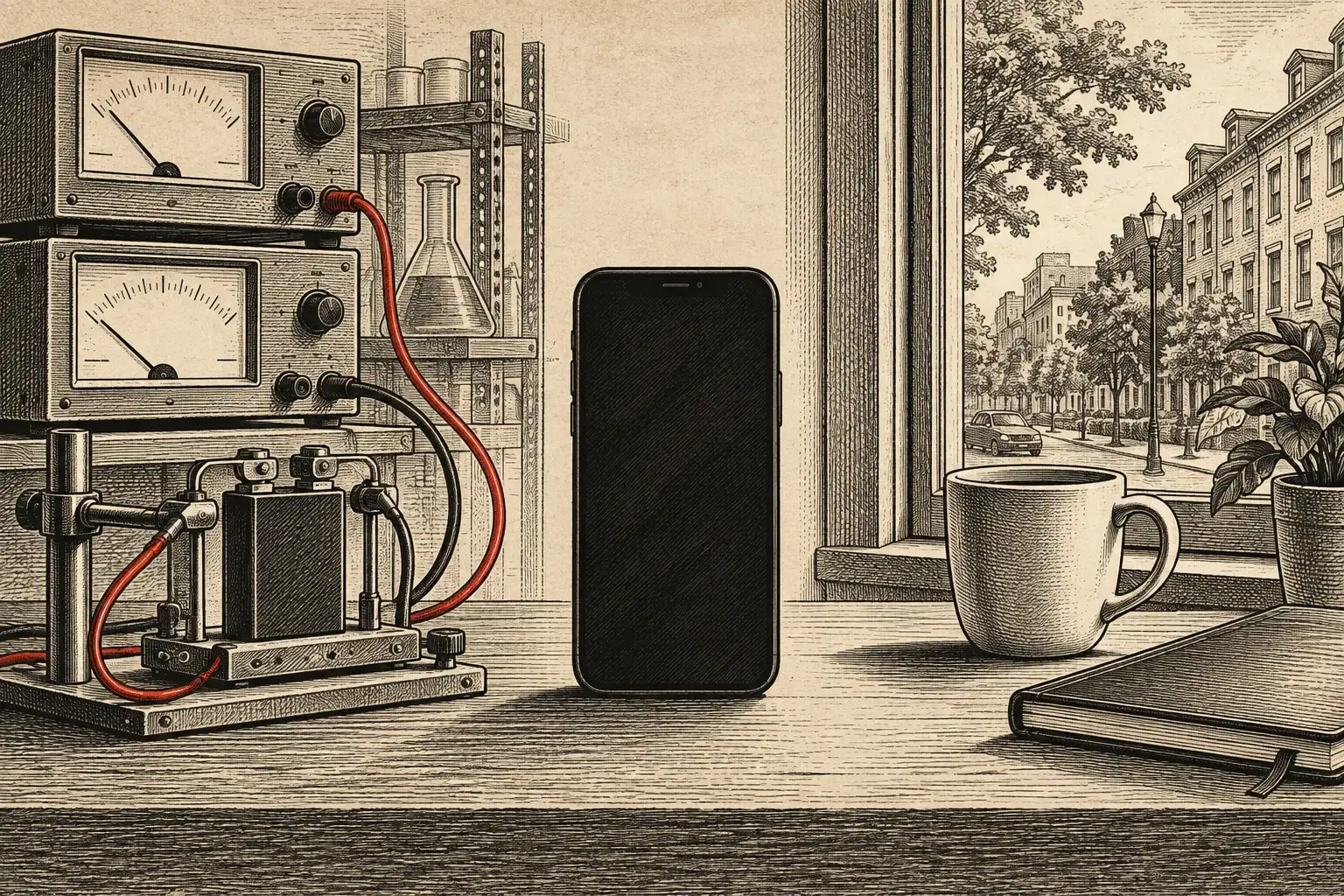
Apple is using iOS 27 and iPadOS 27 to make the AI story feel anchored in plain operating system performance, not just assistant demos.
The Repair Work: Liquid Glass, Performance, And Trust
iOS 27 is also a repair job. Apple introduced Liquid Glass as a visual identity shift, then came back with controls that make the design less precious and more legible. The new slider lets users adjust Liquid Glass from ultra-clear to fully tinted, while icons get sharper and more defined.[1][4]
The company is doing the same thing with performance. Up to 30 percent faster app launches, up to 70 percent faster new-photo loading, up to 80 percent faster AirDrop, smoother network transitions, rebuilt search in Spotlight, Photos, and Mail, and a new Mail Top Hits ranking system all point to the same product lesson: AI cannot be the excuse for a slower phone.[1][4]
This is where Apple is behaving more seriously than some of its AI competitors. While competitors chase maximum prompt spectacle, Apple is trying to make the base operating system feel more dependable. That matters because assistant trust is cumulative. If search misses, Photos lags, AirDrop stalls, and the UI is hard to read, users will not trust the same system to act on their behalf.
iOS 27: What Changed Strategically
| Feature | Old iPhone AI Pattern | iOS 27 Pattern | Strategic Read |
|---|---|---|---|
| Assistant role | Voice command parser | System agent with context and app actions | Apple is moving Siri from Q&A to execution. |
| AI entry point | Standalone features and scattered writing tools | Siri app, Camera mode, Messages, Mail, Photos, Safari, Wallet | Distribution moves into default apps. |
| Privacy posture | On-device branding with limited assistant reach | On-device models plus Private Cloud Compute | Privacy becomes the boundary for agent permissions. |
| Design story | Liquid Glass as visual identity | Liquid Glass opacity and legibility controls | Apple is correcting taste with user control. |
| Upgrade reason | New features and cosmetic changes | AI plus measurable speed improvements | Performance gives the update value beyond novelty. |
The parental-controls work belongs in the same trust category. iOS 27 adds Setup Assistant controls for child accounts, Ask to Browse for new websites, approval for new contacts, safety interventions for nudity, gore, and violent content, Time Allowances across Entertainment, Games, and Social Media, and redesigned Screen Time controls.[1][4] This is not just family software. It is Apple reinforcing the claim that the iPhone is the managed, private, safer platform at the exact moment AI makes device control more sensitive.
The Constraint: Apple Intelligence Is Still A Two-Tier iPhone
Apple wants iOS 27 to feel broad. The outside coverage says iOS 27 supports iPhones back to the iPhone 11, which is good for the installed base and gives Apple a strong longevity story.[7][9] But the AI center of gravity is narrower. Apple says Apple Intelligence in iOS 27 is available on iPhone 16 models or later, plus iPhone 15 Pro and iPhone 15 Pro Max.[3]
That creates the real iOS 27 divide. Millions of users may get the speed, design, safety, and app improvements. The full agentic future is aimed at newer hardware. Apple can frame that as privacy and performance discipline. It is also a replacement-cycle strategy.
The iOS 27 Tradeoffs
The broad compatibility story helps Apple protect old iPhones, but the Apple Intelligence story pushes users toward iPhone 15 Pro, iPhone 16, and newer devices.
Siri AI is available for developer testing now, but user access is still a beta later in 2026 and starts with supported devices set to English.
The best features require Apple to solve permission design, not just model quality. A wrong answer is annoying. A wrong agent action is dangerous.
Apple's strongest pitch is not that it has the biggest model. It is that it can connect models to the private, default, cross-app surfaces rivals do not own.
The language rollout is also narrow. Apple says Siri AI will be available as a beta later this year for users with a supported device set to English, then expand to more languages.[3] Suggestions in Mail and Messages, Call Context, and intelligent file and folder naming are also listed as English features.[3]
This is where the "Apple is late but careful" defense gets tested. Apple does not need to beat frontier chatbots on benchmark theater to make Siri AI valuable. It does need to ship enough of the core loop, in enough countries, on enough devices, with enough reliability, that users stop reaching for a third-party assistant first.
The Platform Fight: Regulation Is Now A Feature Boundary
The EU delay is not a footnote. It is the most honest part of the launch.
Apple says Siri AI will not ship on iOS 27 and iPadOS 27 in the European Union because of the Digital Markets Act, although EU users can access Siri AI on macOS 27 and visionOS 27 when set to a supported language.[5] Apple also says there is no timeline for Siri AI on iOS and iPadOS in the EU, and that EU developers cannot test or use the new Siri AI features for apps on iOS 27, iPadOS 27, and watchOS 27.[5]
Apple's argument is blunt: if Siri gets direct access to private data and app actions, the DMA could require comparable access for other assistants, and Apple believes that creates privacy and security risk.[5] Regulators will argue this is platform self-preferencing dressed up as privacy. Both readings can be true.
The Key Insight
The agent layer is now a regulatory object. Once an assistant can read personal context and control apps, competition law, privacy law, security architecture, and operating system design collide. iOS 27 makes that collision visible.
China is another constraint. Apple says Siri AI and the other new Apple Intelligence features will not be available in China while it works through regulatory requirements.[1][3] The result is a fragmented launch: global iOS update, selective AI availability, region-specific assistant limits, and a developer story that depends heavily on local law.
That fragmentation matters because Apple is not launching a toy. It is launching a control plane. A system agent that can act across apps is strategically closer to the browser, the App Store, and the notification layer than to a normal feature. The fight over who can access it will not be polite.
Who iOS 27 Changes
The update lands differently depending on whether you are a user, developer, parent, regulator, or AI competitor.
iPhone Users
The daily value is likely to come from speed, search, camera, wallet, and small AI actions rather than one dramatic Siri demo.
Developers
App actions, Shortcuts, and assistant surfaces become distribution channels, but only if Apple exposes enough reliable hooks.
Parents
Child account setup, Ask to Browse, contact approval, and Time Allowances turn iOS 27 into a stronger family management release.
Regulators
Siri AI turns assistant interoperability into a privacy and competition-law problem at the same time.
AI Competitors
Apple's advantage is not the biggest public model. It is the default assistant position on hardware users already trust.
The Bottom Line: Apple Is Late To Chat, Early To The Control Plane
Apple is not ahead in the public AI imagination. It is not where OpenAI is in chat habit, where Google is in web-scale model integration, or where Anthropic is in enterprise AI trust. That is the easy critique.
The harder critique is more useful: Apple may be aiming at a different prize. If Siri AI becomes the private, screen-aware, app-controlling assistant across iPhone, iPad, Mac, Watch, and Vision Pro, then Apple does not need to win the chatbot tab. It needs to make third-party chatbots feel like they are outside the actual workflow.
What To Watch Next
The iOS 27 story will be decided after the keynote, when the beta meets real devices, real permissions, and real user habits.
Watch Siri AI reliability, not demo cleverness
The product lives or dies on whether Siri can correctly retrieve personal context and execute app actions without breaking trust.
Track Apple Intelligence hardware pressure
The more useful Siri AI becomes, the more iOS 27 becomes an upgrade funnel toward newer iPhones.
Watch the EU as a preview of agent regulation
The DMA dispute is an early test of how governments will regulate assistants with private context and app-control privileges.
Measure boring app adoption
The strategic wins will be in Mail, Messages, Photos, Calendar, Wallet, Safari, and Passwords, not just the Siri app.
The real story isn't that Apple finally added more AI features. The real story is that Apple is trying to turn the iPhone into the safest place for an agent to act. That requires better models, yes. But it also requires permissions, privacy, app hooks, reliability, hardware, and regional policy. iOS 27 is the first release where Apple is openly admitting all of those pieces belong to the same system.
Apple is late to the chatbot party. It may still be early to the only AI layer that matters on phones: the trusted control plane.
Sources & References
Primary sources and reporting used to analyze iOS 27, Siri AI, Apple Intelligence, rollout limits, and device implications.
| # | Source | Outlet | Date | Key Takeaway |
|---|---|---|---|---|
| 1 | Apple Newsroom | June 8, 2026 | Apple's overview confirmed Siri AI, Apple Intelligence updates, parental controls, performance metrics, Liquid Glass controls, and regional AI constraints. | |
| 2 | Apple Newsroom | June 8, 2026 | Apple describes Siri AI's architecture, dedicated app, Camera mode, Visual Intelligence expansion, and writing tools. | |
| 3 | Apple Newsroom | June 8, 2026 | Apple disclosed developer testing, public beta timing, device support, feature-language limits, and Apple Intelligence app integrations. | |
| 4 | Apple | June 2026 | Apple's iOS 27 page details Siri AI, Photos editing, Camera mode, child safety, Safari, Passwords, Liquid Glass, and performance improvements. | |
| 5 | Apple Newsroom | June 8, 2026 | Apple says the EU will not receive Siri AI on iPhone and iPad at launch because of its DMA dispute over assistant access to private data and app actions. | |
| 6 | Apple Newsroom | June 9, 2026 | Apple detailed Wallet bill splitting with Apple Intelligence, pass creation from physical cards, and broader services integrations. | |
| 7 | The Verge | June 8, 2026 | The Verge framed iOS 27 around Siri AI, performance, Liquid Glass refinements, trust and safety, and support back to iPhone 11. | |
| 8 | MacRumors | June 8, 2026 | MacRumors summarized the WWDC announcements across Siri AI, Liquid Glass, Visual Intelligence, Shortcuts, Photos, Home, and iOS compatibility. | |
| 9 | Macworld | June 8, 2026 | Macworld's guide lists iOS 27 release timing, device compatibility, Siri AI changes, parental controls, and Apple Intelligence caveats. | |
| 10 | TechRepublic | June 8, 2026 | TechRepublic characterized iOS 27 as a performance, Siri AI, Liquid Glass, and family safety update rather than only a redesign. | |
| 11 | BGR | June 9, 2026 | BGR highlighted consumer-facing features including Siri AI, Photos edits, Liquid Glass controls, and broader everyday improvements. |
Last updated: June 11, 2026