TL;DR: Plus includes GPT-6 Astra in Work and Codex, but not GPT-6 Pro in ordinary Chat; account and workspace availability still matter.[3] OpenAI estimates 5–45 local Astra messages per five-hour period on Plus, explicitly a variable range rather than a fixed entitlement.[1] The practical question is which allowance your task uses and how much usable work it buys.
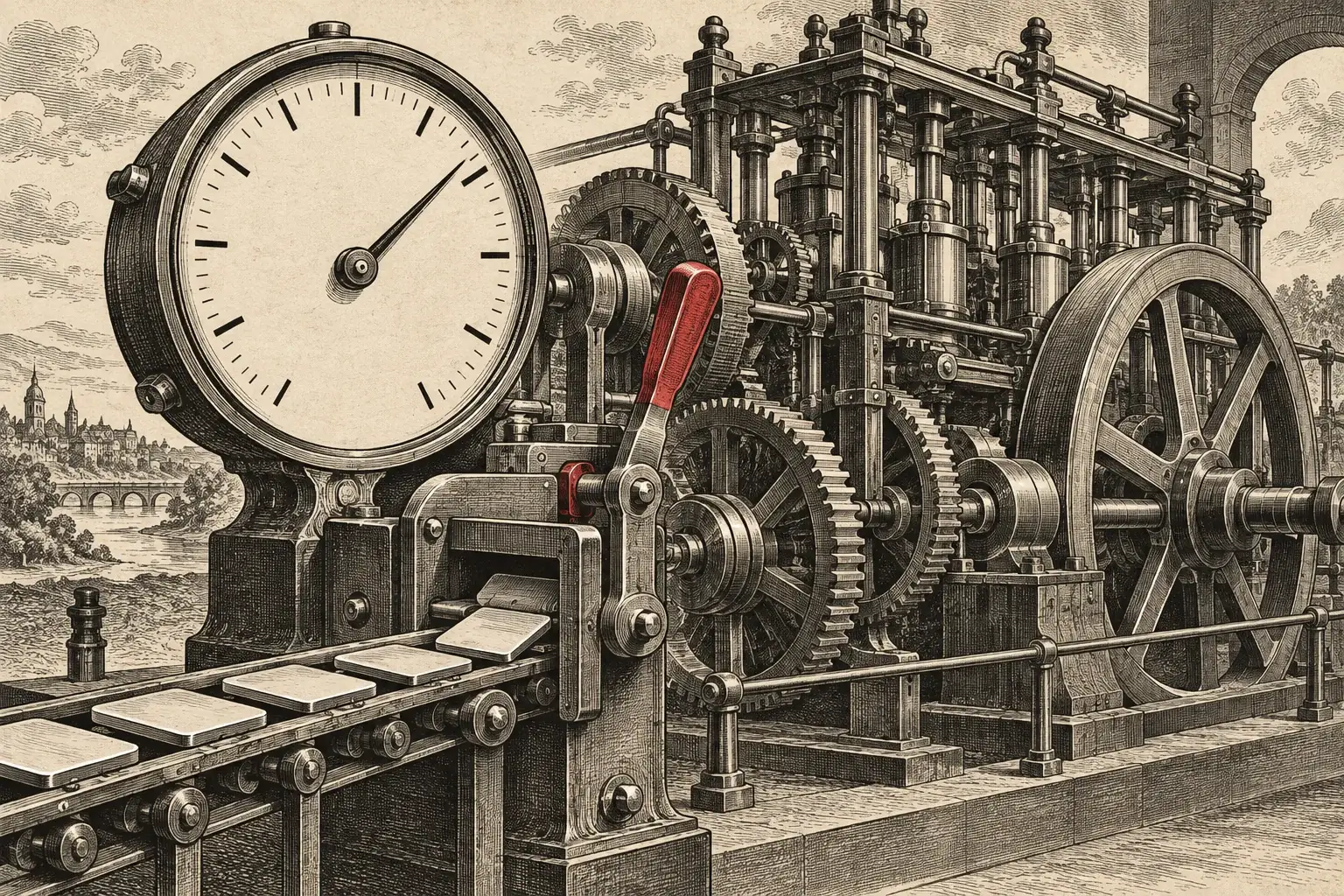
Cover: AI-generated editorial illustration. Two drafting arms share a crimson spool; the separate desk represents another access path. This is a visual metaphor, not an OpenAI interface or an account balance.
Astra's launch demos made the possibilities easy to see. The experience of trying those projects is harder to explain. A missing model, an exhausted usage window, and a separate API bill can all look like an access problem. They require different answers.
For readers coming from our six Astra community builds, this is the next useful question: how do you get from watching a creator's project to running your own? OpenAI's current documentation separates product access, included usage, and additional billing. Its Work guide also retains rollout qualifications, so an announcement is not a guarantee about every account's screen.[2]
Why This Matters Now
The real story isn't whether a model name appears in a subscription. It is whether the included capacity supports a useful working session. A buyer needs to understand access and consumption before a launch demo becomes a repeatable habit.
Find Astra: Plus Access Depends On The Experience
OpenAI calls the Astra-powered option in ordinary Chat GPT-6 Pro. The distinction below explains why a Plus user may have Astra for a coding task but no GPT-6 Pro choice in a normal conversation.[3]
Astra Access By Experience
| Feature | Documented access | Allowance to inspect |
|---|---|---|
| Plus in ordinary Chat | GPT-6 Pro is not included | Use an eligible Work or Codex experience for Astra |
| Plus in Work or Codex | Astra is included, subject to account availability | The shared Work and Codex allowance |
| Pro $100 or Pro $200 in Chat | GPT-6 Pro is available | Chat limits, separate from Work and Codex |
| Codex with an API key | API model access and billing apply | API usage and project billing |
Sources: OpenAI's Chat model and Work/Codex guides. Managed workspaces may impose additional access controls.[3][2]
If the expected model is absent, check the account and workspace, update and restart the desktop app, and check the picker again. OpenAI specifies Codex CLI 0.153.0 or later for Astra. Updating the client does not override a workspace restriction or unfinished rollout.[2]
Read The Limits: One Shared Pool, Two Usage Windows
Work and Codex share included usage. Where five-hour and weekly limits both apply, each must have allowance remaining. The five-hour window begins with the first request after the previous window ends; it can be exhausted before five hours pass. A model switch does not refill that shared pool.[1]
OpenAI's 5–45 Plus estimate refers to local messages per five-hour period. Task size, input and output, reasoning, and speed settings affect consumption. Check Settings → Usage for the actual counters and reset times.[1]
A small text correction and an agent coordinating a large project are not equivalent units of work. That is why a message range cannot tell you whether the app you imagined will fit. The missing metric is cost per accepted result: the working artifact, including the revisions needed to make it useful. Viral completion times do not supply that measurement.
Choose Settings: More Effort Is A Decision
For users moving from Sol High, OpenAI suggests trying Astra Low or Medium first. Review the result before escalating. More reasoning cannot supply missing context or access.[1]
Speed is a separate choice. OpenAI documents Astra Fast at 2.5× the Standard credit rate where available with a ChatGPT login. The speed setting is available on supported desktop, CLI, and IDE surfaces; it does not select a different model. API-key usage follows different billing rules.[4]
For a personal build, our starting recommendation is Standard speed and a concrete first milestone. Raise effort when the work exposes a difficult problem. Select Fast when waiting is costly enough to justify its consumption tradeoff. Neither recommendation predicts how much allowance your particular project will use.
Separate The Bill: API Dollars Are Not Subscription Credit
OpenAI's Astra model page lists Standard API text-token prices of $10 per million input tokens and $50 per million output tokens. Those are API prices, not a conversion rate for the included allowance on Plus or Pro.[7]
As a deliberately simplified example, one Standard request with 100,000 uncached input tokens and 20,000 output tokens would cost $2 for those tokens: $1 input plus $1 output. This calculation excludes cache writes, tool charges, and other requests. It is an arithmetic example, not an observed task bill or a subscription estimate.[7]
The API pricing page separately lists Batch, Flex, Standard, and Fast tiers. Use the table for the tier and workload you actually select; the ChatGPT 2.5× credit multiplier is not the API formula.[8] A tool's “API-equivalent cost” display therefore needs its billing context before it can be called money spent.
Understand Resets: Saved And Immediate Are Different Products
OpenAI records September 3 and September 4 as launch offers that gave eligible existing Plus, Pro, and Business subscribers a banked reset on each day. New-account cutoffs and other eligibility conditions applied. The September 7 global reset was automatic and did not create another saved reset.[5]
A banked reset stays available until used or expired. A full reset refreshes eligible five-hour and weekly windows and changes the weekly reset date. It is neither cash nor API credit, and it does not permanently expand the plan. Check the expiry and effect shown in the account before using one.[5]
A purchased instant reset, where offered to eligible personal Plus and Pro accounts, applies immediately, even with allowance remaining. It brings the normal weekly allowance forward. The next weekly reset is seven days after the first subsequent Work or Codex request; it cannot be saved for later.[6]
The decision is about timing as well as price. A saved reset, an immediate purchased reset, and a separate credit balance should not be treated as interchangeable ways to buy the same thing.
Start With A Useful Build: Define The First Finished Result
Consider this editorial example for a local reading-list app. It is an illustrative brief, not a build we tested or a completion-time promise:
A First Session With A Clear Finish Line
Build a private reading list that saves a title, URL, and read/unread status locally. Let me add, edit, and remove an entry. Verify that the list survives closing and reopening the app. Stop after that workflow is working and show me how to try it. Save accounts, sync, and recommendations for a later decision.
The first review is concrete: add an entry, change its status, reopen the app, and check the saved state. If that works, the next request can respond to something observed. If it fails, the repair has a precise target. The community-builds article offers more starting points; our authorization analysis explains what changes when a project can act across other systems.
Access And Capacity Need Separate Answers
A missing picker entry calls for an access check. An exhausted window calls for a usage check. Keep the error, selected experience, and billing method together when diagnosing the problem; spending first can leave the original problem unresolved.
Key Takeaways
Identify the experience and billing method before comparing allowances.
Use the actual Usage screen when planning a session; a published message range cannot price your project.
Judge value by a working, reviewable result and the effort required to reach it.
The uncomfortable truth is that model access is only the opening of the sale. OpenAI still has to make usable capacity understandable, and readers still need to know what a finished result looks like. Astra's product test is whether a subscription supports work people can return to, afford, and trust after the launch excitement fades.
Sources & References
Official OpenAI documentation reviewed September 10, 2026. Availability, usage, and reset options can vary by account, plan, region, workspace, and rollout state.
| # | Source | Outlet | Date | Key Takeaway |
|---|---|---|---|---|
| 1 | OpenAI Help Center | Accessed Sep 10, 2026 | Shared allowance, estimated ranges, effort guidance, and the Plus Chat distinction. | |
| 2 | OpenAI Help Center | Accessed Sep 10, 2026 | Product surfaces, rollout, workspace controls, version guidance, and API-key billing distinction. | |
| 3 | OpenAI Help Center | Accessed Sep 10, 2026 | Separate ChatGPT GPT-6 Pro availability and message limits. | |
| 4 | OpenAI | Accessed Sep 10, 2026 | Astra Fast's 2.5× ChatGPT-credit rate where available. | |
| 5 | OpenAI Help Center | Accessed Sep 10, 2026 | Banked versus automatic reset mechanics, dates, and eligibility caveats. | |
| 6 | OpenAI Help Center | Accessed Sep 10, 2026 | Eligibility, immediate effect, and weekly-reset timing for paid resets. | |
| 7 | OpenAI Developers | Accessed Sep 10, 2026 | Standard API token prices used in the explicitly illustrative $2 calculation. | |
| 8 | OpenAI Developers | Accessed Sep 10, 2026 | API service tiers are distinct from ChatGPT-plan credit multipliers. |
Last updated: September 10, 2026