TL;DR: Astra's early builders are exploring editable 3D scenes, games, and personal apps: Tom Krcha reports a steam train with 3,295 editable objects, while Pietro Schirano says he built an iPod-style Mac app for Codex threads in 15 minutes.[1][2] These are creator reports, not controlled tests. The useful lesson is to choose a small project with a visible behavior, then judge whether you can revise it after the first reveal.
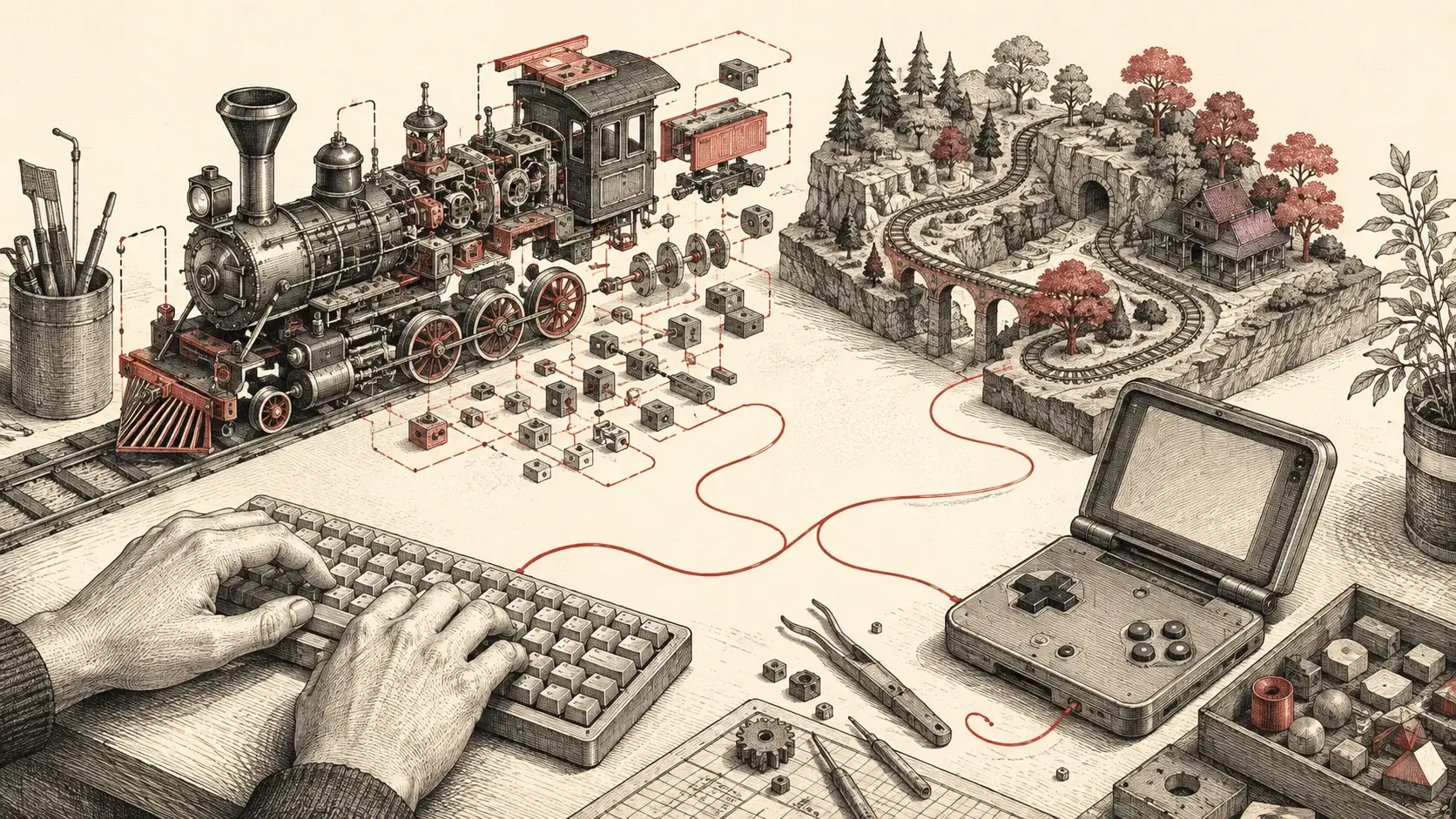
Cover: LLM Rumors conceptual illustration of a maker's workbench. It does not depict the creators' actual projects; their original demonstrations are linked below.
A steam train assembled from a drawing. A portfolio folded into a virtual handheld console. A desktop companion that dresses an AI workflow in the visual language of an old music player. The first wave of GPT-6 Astra projects has a welcome sense of play, but it also supplies a better standard than a polished screenshot: can someone inspect the artifact and make the next change?
Our Astra authorization analysis examined what changes when a model can operate software. These creator projects bring that question down to earth. They range from public artifacts to social demonstrations, and the distinction matters. A linked demo or repository lets a reader probe the work. A creator video documents a claim, not a reproduced result.
The real story isn't another race to generate the prettiest landing page. It is the possibility that more people can follow a peculiar idea far enough to discover whether it deserves a second session.
Why This Matters Now
OpenAI's launch presentation emphasizes stronger visual judgment across applications, games, and renderings, alongside tools for building and sharing websites.[7] Community projects put a more useful question to that pitch: what becomes worth making when a first version is easier to reach?
Before starting your own build, see our Astra access and usage guide. It explains plan access and the limits to check before a project. A creator's reported build time does not tell you how much of your own plan a similar project will use.
Start Here: Pick A Project You Can Inspect
The first project should create a decision, not merely a deliverable. Pick a subject where you can tell what changed when you click, drag, enter data, or alter a rule. That gives a builder something concrete to inspect before asking for another pass.
A Quick Chooser For A First Useful Project
| Feature | Start with | Inspect before calling it done |
|---|---|---|
| Turn a reference into something editable | A small 3D assembly | Named parts, proportions, and one revision you can make |
| Improve a repeated personal habit | A focused tracker or companion app | Data entry, saved state, and the screen you use most |
| Show personality to visitors | One interactive portfolio scene | Whether a first-time visitor can find the work |
| Test a creative mechanic | A playable prototype | The core interaction, performance, and one alternate version |
Use the examples as routes, not recipes: make a reference editable, build for one person, or put interaction first. The chooser is editorial guidance, not evidence that Astra performs equally across these project types.
Make A Reference Editable: Train And Exploded Car
Tom Krcha's train is a particularly good place to start. He says Astra reconstructed an old steam-train drawing in Blender as 3,295 editable objects.[1] That is the creator's object count. It does not measure engineering accuracy, mesh quality, or readiness for a commercial game.
The appeal is more immediate: a reference picture becomes a scene that can be taken apart and changed. A wheel can become the next task rather than an unchangeable feature of a generated image. Krcha's follow-up moves the idea into code. He describes two trains generated at runtime using TypeScript and Three.js, with wheel movement and explode-and-reassemble behavior.[8]
Creator @ashebytes offers a related public path: a browser-based Model X visualization attributed to Astra, with a demo and source repository. The post describes an exploded view with 334 modeled pieces.[5] The repository credits an existing BlendKit car asset by cgi Moon. Its 334 pieces are meshes, not verified automotive components; the battery, drive-unit, and suspension representations are illustrative.[9]
That source credit is the important part. The achievement is an interactive assembly and explanation, not generating a car from nothing. Public code gives the next builder somewhere to inspect the implementation, identify an asset dependency, and make a deliberately scoped change.
Loading X post…
Watch Tom Krcha's original train demonstration. Watch the creator's exploded-view demonstration.
Build For One Person First: Personal Interface And Mileage Tracker
Pietro Schirano reports building an iPod-style Mac app that visualizes Codex threads in 15 minutes.[2] The useful detail is the metaphor: a developer workflow gets the personality of a familiar physical object. A personal tool can be nostalgic, compact, or odd. It only has to make sense to its user.
Paul Solt supplies the more practical companion example. He reports 13 minutes and 3 seconds for an initial weekly-running-mileage iOS demo using his AppCreator skill, then 1 hour to reach a fully functional version, with steering between build-and-run turns on his physical iPhone.[3][10] These durations are not a benchmark. Scope, setup, revisions, and completion criteria differ.
Editorial Example: A Mileage Tracker Brief
This is a planning example, not a build we tested and not Paul Solt's prompt. “Make a private weekly mileage tracker for one runner. Add a run with date, distance, and optional note. Show this week's total and a seven-day history. Save entries locally. Test adding, editing, deleting, and reopening the app on the target device. Call it complete only when those actions work and the weekly total updates correctly.”
That brief does useful work before any code exists. It sets the user, the core interaction, the data that must persist, and the finish line. It also leaves room for iteration: after a real week of use, the runner may decide that a shoe field matters more than a chart. That is evidence for a second version.
Loading X post…
Watch Pietro Schirano's original Mac app demonstration.
Put Interaction At Center Stage: Playable Portfolio And Game Prototypes
ManuVision posted a portfolio presented as a Game Boy Advance SP-style handheld, attributing the page, 3D model, opening animation, and button wiring to Astra. The creator also links a public demo.[4] We have not independently tested its interactions.
A portfolio normally asks visitors to scroll through evidence of someone else's work. This concept makes exploring the portfolio part of the work itself. The animation and controls establish a small world with rules, but the next inspection question remains plain: can a first-time visitor find the work without learning the gimmick?
OpenAI's Playco case study provides a commercial counterpart. Playco says it used Astra to develop 3 themed prototypes from one grey-box foundation and required 50% fewer manual fixes than with its previous model. One cyberpunk variant still needed a performance fix.[6]
Playco's Reported Prototype Results
A customer account published by OpenAI, not an independent benchmark.
Playco says these shared one grey-box foundation.
Playco's comparison with its previous model; not a universal productivity estimate.
Both examples make the same strategic argument. A playable object gives people a better conversation about a creative decision. Instead of debating a mechanic or navigation style in the abstract, they can try it, find the weak point, and choose the next change.
The Test Is The Second Session: Finish, Inspect, Iterate
An impressive first version is an invitation, not completion. The next session should begin with artifact inspection: open the files, check the data or assets the project depends on, and try the interaction a real user will repeat. For a public project, credit reusable assets and link the code when possible. For a personal one, verify the ordinary path before adding spectacle.
This is where the ideas in our guide to Loop Engineering become useful at a human scale. A loop needs a boundary and evidence. For a small build, that can be as direct as “add a run, edit it, close the app, reopen it, and confirm the total.” A vague request for the app to be “finished” has no comparable test.
Let's be clear: these examples do not establish a success rate for Astra, and a launch-week selection cannot reveal how many attempts were abandoned. Creator timings are anecdotes. Public source code improves inspectability, but does not establish authorship or production quality by itself.
The Demo Is The Invitation
Reliability, accessibility, performance, and maintainability must be established in the actual project. Set an honest completion criterion before the first build, then revise it only when real use gives you a reason.
Key Takeaways
Start with an object, habit, or interaction whose change you can see and judge.
Inspect the artifact, its assets, its data, and its primary user interaction before celebrating the demo.
Define completion in observable terms, then let a real second session earn the next iteration.
The uncomfortable truth is that many worthwhile personal ideas never receive a first version. They are too small for a team, too unusual for a template, or too speculative to justify a long build. That is why a running tracker, an explorable train, and a toy-like portfolio belong in the same conversation. The valuable result is not software that looks finished. It is software someone can return to, understand, and make their own.
Sources & References
Original creator posts and official material. Social demonstrations and reported timings have not been independently reproduced.
| # | Source | Outlet | Date | Key Takeaway |
|---|---|---|---|---|
| 1 | X Tom Krcha | Sep 4, 2026 | Creator reports a Blender train with 3,295 editable objects. | |
| 2 | X Pietro Schirano | Sep 3, 2026 | Creator reports a Mac app built in 15 minutes. | |
| 3 | X Paul Solt | Sep 3, 2026 | Creator reports a 13m 3s initial demo, followed by device testing and steering. | |
| 4 | Reddit ManuVision | Accessed Sep 5, 2026 | Creator describes a modeled handheld, animation, and connected controls. | |
| 5 | X ashebytes | Sep 4, 2026 | Creator links a public demo and repository for an exploded-view site. | |
| 6 | OpenAI | Sep 3, 2026 | Vendor-published customer account of prototype iteration. | |
| 7 | OpenAI | Sep 3, 2026 | Official context for Astra's creative tooling pitch. | |
| 8 | X Tom Krcha | Sep 5, 2026 | Creator describes code-generated trains with animated assemblies. | |
| 9 | GitHub ashemag | Accessed Sep 5, 2026 | Repository documents the existing car asset and illustrative subsystems. | |
| 10 | X Paul Solt | Sep 4, 2026 | Creator reports 1 hour to a fully functional app with ongoing device testing and steering. |
Last updated: September 10, 2026